
Experiment: Gathering Feedback in eBooks with FeedLetter
A while ago, I wondered if FeedLetter links would also work in my ebooks and if readers were going to use them. So, I started this little experiment, and now I’m taking you along.
I ran the experiment in 2021. The numbers and reader comments below are from its first month. At the end of the post, you’ll find how to set it up with FeedLetter today.
Setup
I chose two of my ebooks that are published on all major retailers, but I did not distribute the test to all channels. I added a FeedLetter section at the end of each chapter and one in the “conclusion”/“thank you” section.
Both books are in the personal development niche around mindfulness. One is named Mindful Living (ML), and the other shall stay nameless (HTR3).
ML was updated on Amazon and HTR3 on Smashwords with a focus on the iBookstore.
I also wanted to test if it makes a difference whether the book is free or paid. ML was free to read on Amazon, and HTR3 was a low-priced version at 99c.
Here’s how the feedback section looked in the books:
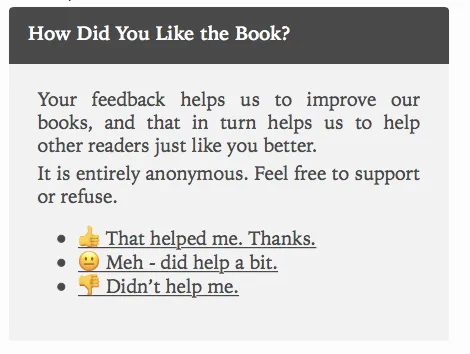
The copy for a chapter only differed in that I asked about the chapter and not the whole book.
The follow-up question on the comment page was tuned to gather more insights based on the vote.
- 👍 -> 👍 What helped you the most?
- 😐 -> 😐 What did you miss?
- 👎 -> 👎 What did you not like?
The experiment started around April 28th, 2021.
Findings: Readers Use It
I did not know if readers would actually use those, so I was really surprised when the first votes and even comments came in. Readers actually used them.
However, most votes and comments happened in chapter 1 or 2 and then dropped to zero for the other chapters, with a few votes at the end of the book (and no comments).
HTR3 has 8 chapters, and chapters 3 to 8 never got a single vote.
ML has 4 chapters, but I skipped the feedback section in the first one as it’s kind of an introduction.
The feedback was mostly positive, and all comments were too. There wasn’t a single negative vote.
The overall number of responses was also pretty low compared to the number of copies sold/downloaded. But it’s in the same range as I see with many newsletters.
| Book | Downloads | Votes | Comments |
|---|---|---|---|
| ML | 48 | 2 | 1 |
| HTR3 | 121 | 15 | 9 |
HTR3 got way more votes and comments than ML.
It is hard to tell if that was because of paid vs. free or if the platforms caused the difference.
Honestly, I never tested if my Kindle Paperwhite could even display emojis correctly. That might be an issue too.
What Type Of Feedback I Got
The next big question is what type of feedback the readers left.
Of course, I got the usual “helpful” and “good,” which are frankly nice to hear but don’t help much in improving the book. But there were better ones too, and I am sharing some below:
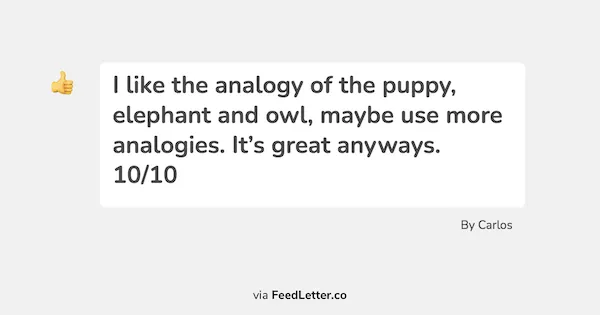
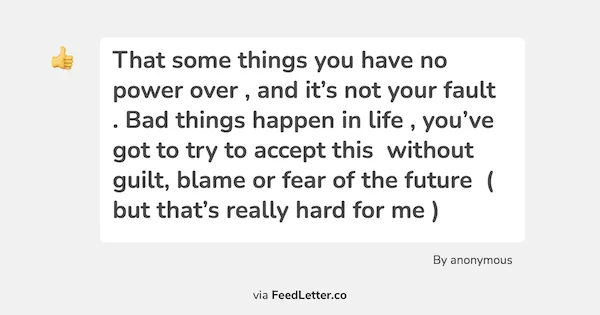
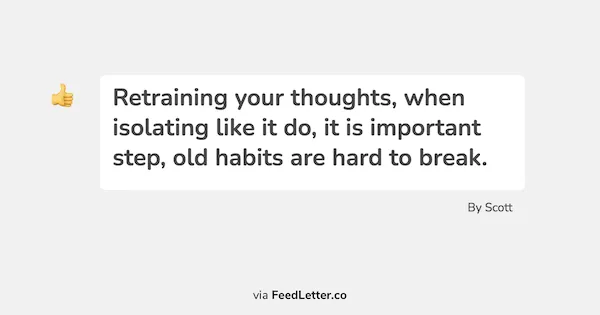
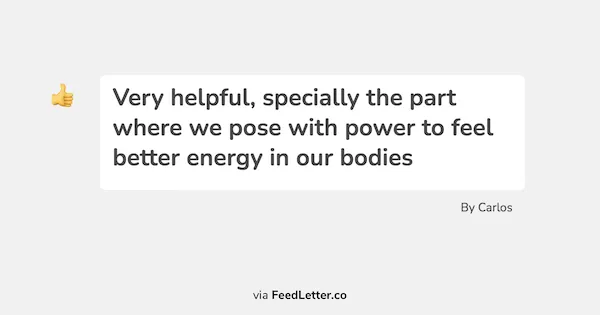
Note that they are taken out of context here. Readers actually responded to whatever was covered in a chapter.
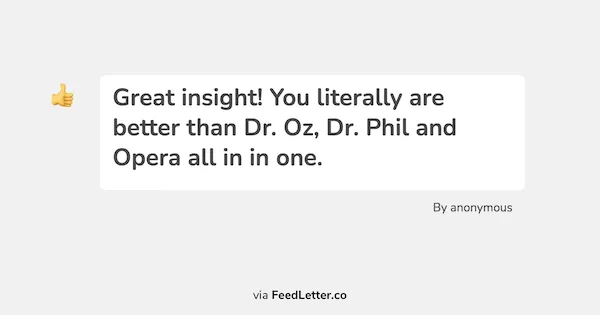
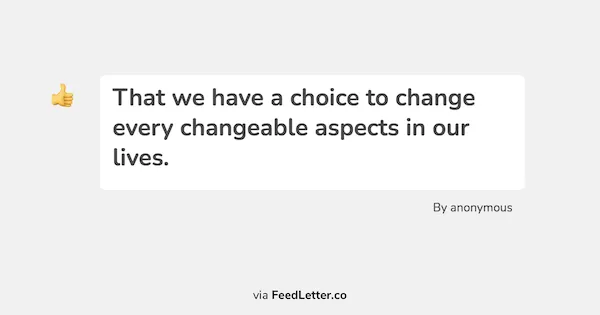
Conclusion
I am totally astonished that book readers actually used the feedback links and left comments. That’s a good sign and worth trying in your own ebooks.
Although the response rate was low, enough people left comments within a month to justify the space in the book.
However, it might be better not to ask for feedback after each chapter but more sparingly. It might be that the readers just got tired of the section or overlooked it. But it might also be totally unrelated to the feedback section itself and have other reasons.
How To Set It Up Today
For an ebook, use a one-time poll. It’s made for single questions outside of a newsletter and works anywhere you can place a link.
- Create one poll for the book, or one per chapter if you want to compare chapters. Each poll gets its own report.
- Write your question and up to five answers, and give each answer its own follow-up question for the comment page.
- Copy the answer links into your manuscript. If your ebook format only allows a single link, link to the hosted voting page instead.
The help page Survey Types Explained compares the one-time poll with the other survey types.
If you sell ebooks, add a few FeedLetter polls to your book and test it. I would love to hear your results.